The Telegram Integration in Timus Manager allows you to receive real-time alerts directly in your personal Telegram account. This is a fast and secure way to stay informed without relying on email or workspace tools.
What This Integration Enables
- Receive Timus alerts directly via Telegram private messages
- Stay updated on user sign-in, device connection, and device disconnection events
- Enable mobile-friendly alerting without additional IT setup
Enable Telegram Integration
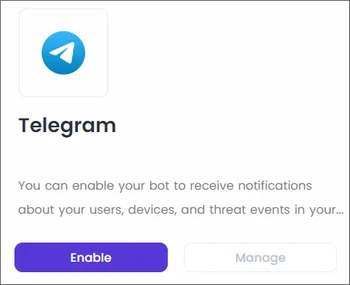
- Navigate to Settings → Integrations → Telegram
- Click ⚙️ → Manage
- A six-digit code will be generated and displayed on screen
This code is temporary and must be submitted within a few minutes to complete the setup.
Link Your Telegram Account
- Open the Telegram app
- Search for and open the Timus Telegram Bot
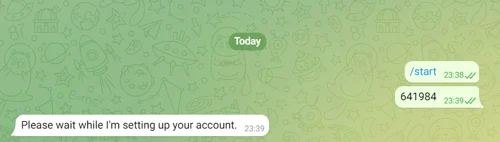
- Click Start to begin the conversation
- Send the six-digit code shown in Timus Manager
- Wait for confirmation from the bot
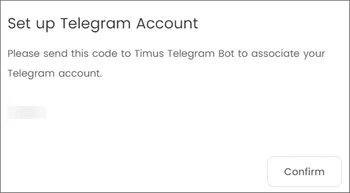
Enter the code you receive from the platform and wait a while the integration is setting up your account.
Confirm in Timus Manager
- After sending the code in Telegram, return to the Timus Manager interface
- Click the Confirm button
- Your Telegram account will be successfully linked
Timus will send supported alerts directly to your Telegram account.
Once active:
- Alerts will be delivered as private messages from the Timus bot
- Each notification includes event details, timestamps, and quick context
- You can disable or reconfigure the integration from the Integrations screen anytime
Updated
Comments
0 comments
Please sign in to leave a comment.